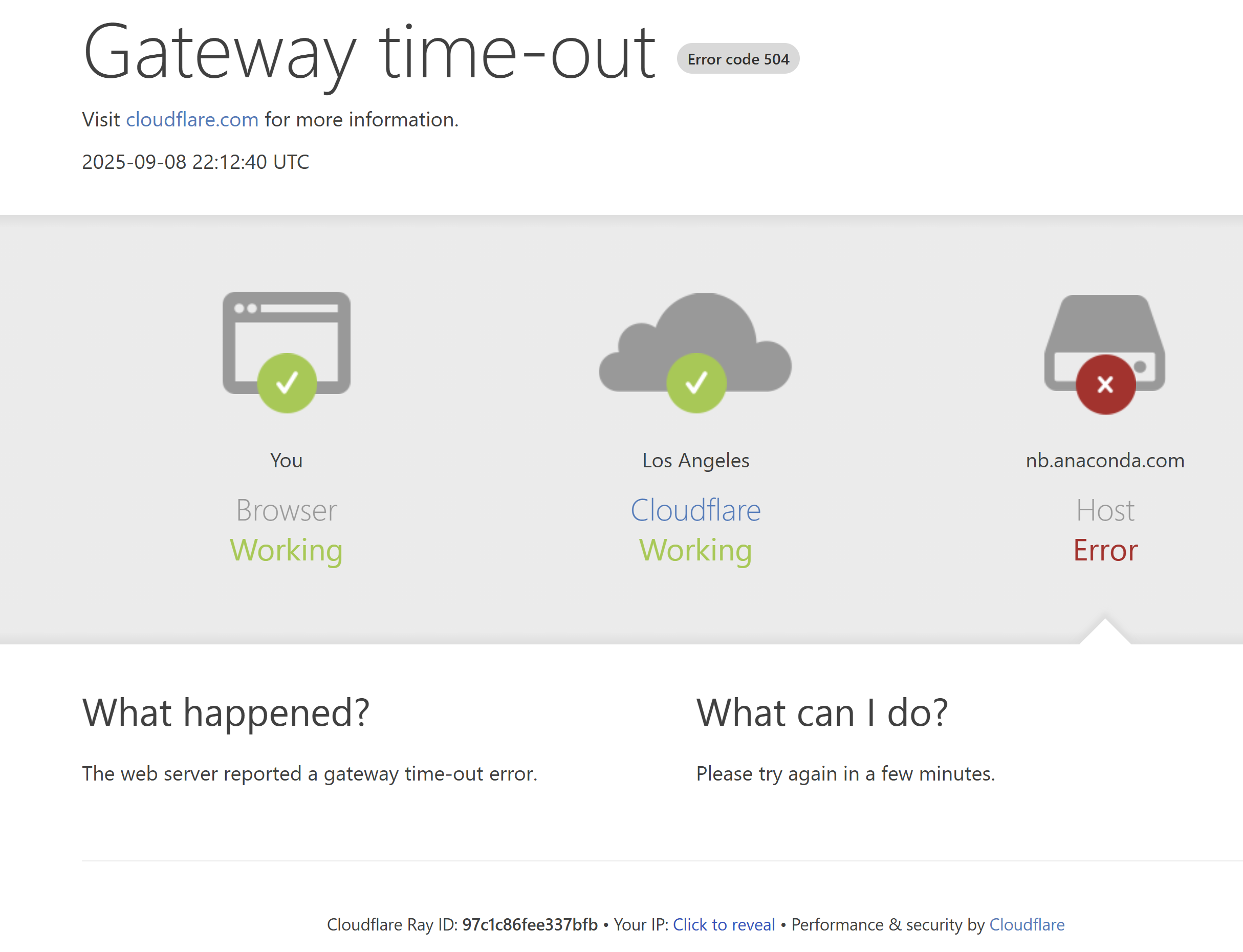
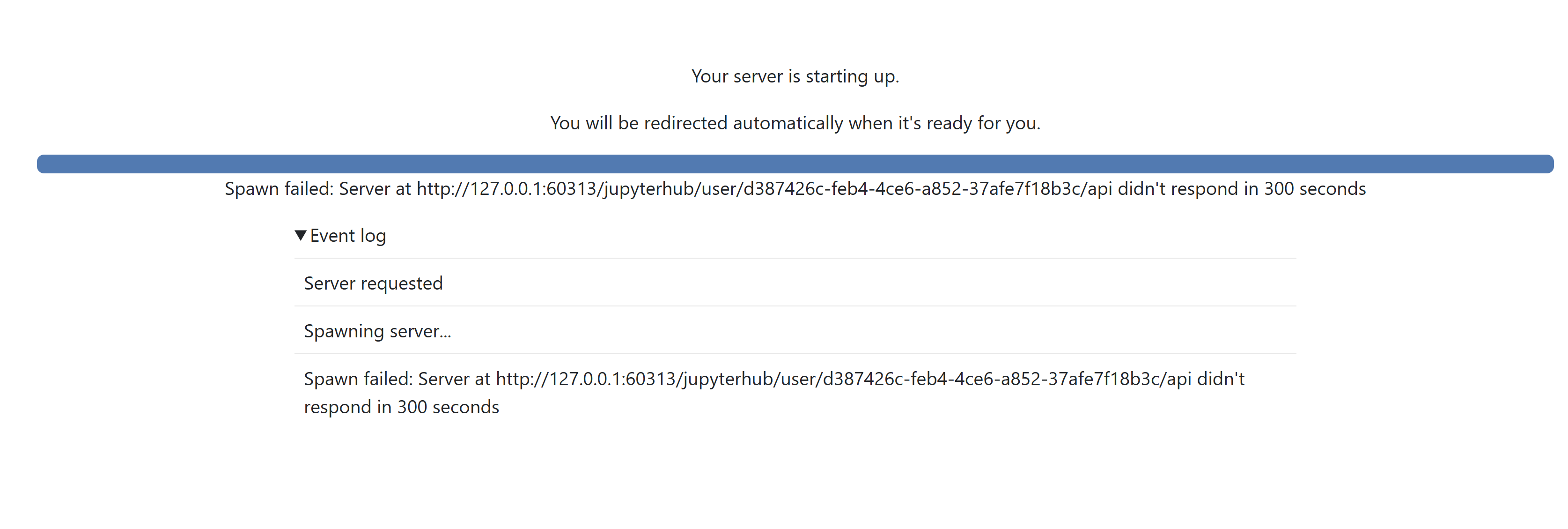
Earlier this morning I was able to connect to the Anaconda cloud. However, it started to behave erratically and eventually it stopped working altogether. Now, Cloudflare indicates that there is a problem connecting to the host and I am unable to connect and use Anaconda cloud.
Yesterday we had some intermittent issues caused by a huge influx of new users all at once due to the new academic year so our servers had a few issues keeping up.
We have boosted them significantly now so there shouldn’t be any more issues, but please report back here if you experience any more problems and we’ll jump right on it.
Could you try an incognito session to see if that helps? Not seeing any issues with the service at the moment so wondering if you just got unlucky and stuck somehow?
If you could send your user ID that you’ll find in the URL that you’re accessing Anaconda Notebooks with then we will be able to take a closer look.
It looks like you added ~/.local/bin to the start of your path and installed packages there that interfered with the server startup. I have removed those path entries from your ~/.bashrc and you should be able to start your server now.
Thank you! I was afraid that I’ve done something wrong. It was first time for me to add path entry in this environment. Very sorry for that!Can you please advice me the correct procedure when installation tells that path is needed? Or is that a “no no” for notebook user?